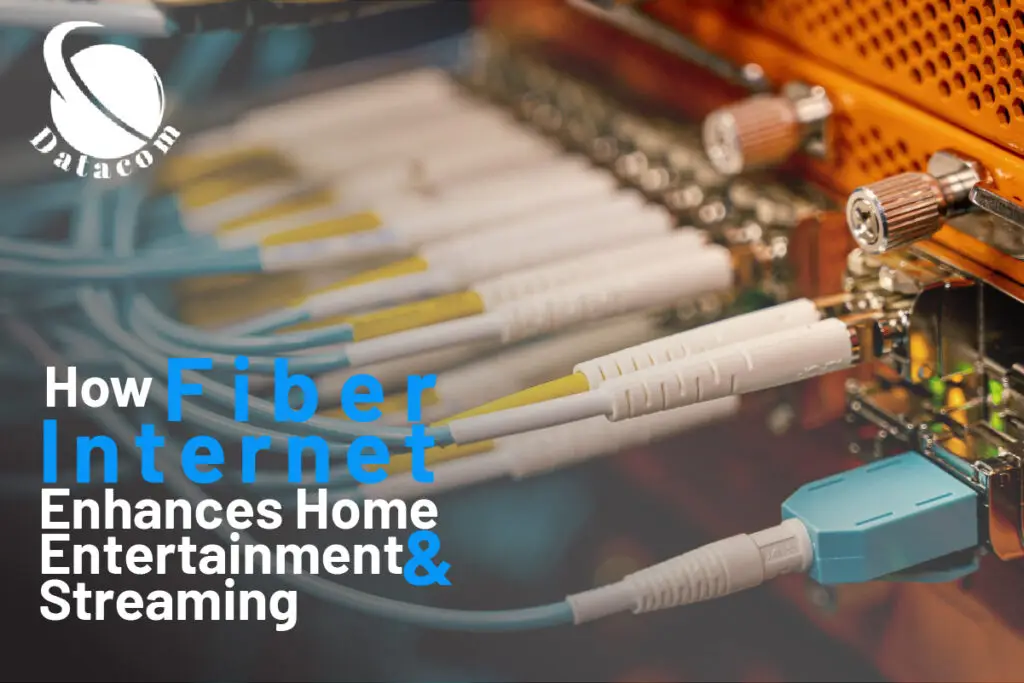
Fiber optic internet has become the go-to solution for fast, reliable, and high-quality home connectivity. However, even with its advanced technology, homeowners can face challenges during installation that affect performance. From weak signals and improper cable connections to equipment mismatches and signal loss, several common issues can arise if the setup isn’t handled correctly. Understanding these problems and knowing how to troubleshoot them can save you time, frustration, and costly repairs. In this guide, we’ll explore the most frequent fiber optic installation issues at home and provide practical tips to help you get your network running smoothly.
Mind the Glow: Tackling Fiber-Optic Installation Hiccups at Home
Ever felt like your brand-new fiber optic installation turned into this magical black box that’s speedier than a rocket… but suddenly sputters? You’re not alone—and together, we’ll figure this out. Whether you’re wrestling with your fiber optic internet setup, getting the hang of fiber optic wiring service, or wrestling your fiber optic cable installation into shape, I’ve got your back with punchy, practical advice that makes sense and gets that network humming.
Spotting Sneaky Bends & Breaks: Keep the Signal Smooth
First off, don’t freak if your connection feels sluggish—often a simple bend or accidental stress is the culprit. Fiber cables are delicate; a tight coil or pinch can lead to serious signal loss.
So, here’s the game plan: run your finger gently along the cable path. If it’s tucked around furniture legs or coiled up too tightly, unwind it. This prevents micro-bends—tiny curves that degrade signal quality over time. You’ll be amazed at how much better things work when the pathway’s smooth and the light travels unhindered.
Clean Like a Pro: The Magic of Sparkling Connectors
You might not see it, but invisible dust or skin oils can wreak havoc on your fiber optic network solutions. The smallest particle on a connector end-face can disrupt light transmission and slow down your data flow.
Time for a cleaning routine: use lint-free wipes and isopropyl alcohol to gently wipe the connector end—one swipe, one direction. Do not blow on it or rub side to side. Keep those connectors covered when they’re not in use. Trust me: staying clean now avoids a world of headaches later.
Connector Types & Matching: The Right Fit for the Job
Did you know there’s more than one flavor of connector? LC, SC, ST—and even end-faces like PC, UPC, and APC. Mix and match these wrong, and you’ll hit mismatches, alignment troubles, or crazy “flip-flopped” polarity.
So, check the gear that came with your fiber optic cable installation. Ensure connector shapes and types align perfectly, and verify polarity carefully. If you see weird lag or uneven upload/download speeds, this might be the root issue. Swap in matching connectors or adapters, and you’ll often watch your speeds climb again.
Tools of the Trade: Diagnose Like a Champ
When things go deeper than visible issues, pull out your toolkit. A fiber optic wiring service expert would typically rely on:
- Visual Fault Locator (VFL)—a red laser light that shows bends, breaks, and bad terminations.
- Light Source + Power Meter (LSPM/OLTS) — evaluates optical signal levels to compare projected performance with real-time results.
- Optical Time-Domain Reflectometer (OTDR)—pinpoints faults along the whole cable, down to the meter.
These tools might sound fancy, but even amateur setups can lean on simpler instruments. Start with the VFL to catch breaks and then move up the ladder if needed. You’ll quickly learn how to locate the problem—not just guess.
Router & Transceiver Check: It’s Not Always the Cable
Let’s switch gears for a moment—sometimes the problem isn’t your fiber optic internet setup, but the hardware you’ve hooked up to it.
Make sure your router’s firmware is up to date, check that transceivers are snug, and reboot the device. A lot of “slow internet” crises resolve after a quick restart or driver update. So before you stress about the fiber, give your router and ONT a fresh start. You might just restore your Netflix speed instantly.
Environment Matters: Keep It Cool and Dry
It’s easy to overlook—but heat, humidity, and moisture are major troublemakers. Fiber is more immune than copper, sure—but environmental stress can still degrade performance, especially at connectors or outdoor entry points.
If your setup’s near a window or vent, consider rerouting the cable or insulating it lightly. And never place your ONT in direct sunlight or damp areas. Staying mindful of conditions ensures your fiber optic network solutions stay steady and reliable.
Double-Check the Documentation: Standards Save the Day
You might feel like you’re overdoing it, but take a moment to consult your fiber’s installation specs. Minimum bend radius, insertion loss thresholds, and proper torque for strain relief—these tips are usually spelled out by the manufacturer and greatly reduce guesswork.
Following those guidelines—especially during a DIY fiber optic cable installation—keeps you aligned with best practices and avoids bad habits that could unspool good performance.
When to Call the Pros (or Use the Datcm Link!)
If you’ve cleaned, straightened, tested, and tweaked but issues persist, it may be time to escalate. Unusual packet loss, intermittent outages, or complete no-go situations might signal a bigger problem: broken fibers, improper splicing, or faulty ONT.
That’s when professional fiber optic wiring service shines. Check out to contact local experts or book a visit. They’ll bring OTDRs, refiber, or repair damaged segments—and get you back on track with zero hassle.
Ready, Set, Fiber! Wrap-Up & CTA
You’re now armed with savvy tips to troubleshoot your fiber optic installation, polish up your fiber optic internet setup, and keep those speeds blazing. Remember:
- Examine and avoid bends and breaks.
- Keep connectors squeaky clean.
- Match connectors and check polarity.
- Use VFL, power meters, and OTDR when needed.
- Don’t ignore your router or ONT.
- Protect your gear from heat or moisture.
- Follow spec sheets to the letter.
And if you’re feeling stuck? Professionals are just a click away via the Orlando fiber link above. You’ve got this—happy surfing!
Wrapping Up
Troubleshooting common fiber optic installation issues at home doesn’t have to be overwhelming. By checking your connections, inspecting cables for damage, and ensuring proper equipment setup, you can often resolve most problems on your own. However, persistent issues like weak signals, slow speeds, or frequent disconnections may require professional assistance. Investing in expert installation and maintenance ensures optimal performance and long-term reliability. At Data Com, we specialize in fiber optic services that keep your home network running seamlessly. Contact us today to schedule an inspection and experience faster, more stable connectivity with expert solutions tailored to your needs.
FAQs
1. Why does my fiber internet work fine sometimes but drop occasionally?
A: Could be micro-bends, loose equipment, or intermittent connector contamination. Clean connectors, secure connections, and check cable path for stress points.
2. How do I clean fiber optic connectors properly?
A: Use lint-free wipes moistened with isopropyl alcohol. Swipe once, one direction. Never blow or wipe back and forth.
3. Can signal issues happen even with quality fiber optic installations?
A: Yes—external factors like temperature, humidity, contamination, or slight bends can still impair performance. Always monitor environmental conditions.
4. What tool detects where a fiber break is located?
A: An OTDR—a polished piece of gear that pinpoints distance to faults by analyzing backscattered light reflections.
5. Is mistaking single-mode for multimode fiber a big deal?
A: Absolutely. Each type uses different core sizes and light propagation. Mixing them leads to severe loss or no connection at all.